When isofy and OfficeRnD work together, network provisioning and member authentication handle themselves, with no second system to maintain and no stale access to clean up.
 Members sign in with credentials they already have
Companies get isolated networks without configuration
User updates in OfficeRnD sync to isofy automatically

Members have one less password to manage and staff have one less thing to troubleshoot. Members use their OfficeRnD credentials to connect, and isofy authenticates directly against OfficeRnD so network access is always tied to their OfficeRnD account.
Credentials are validated against OfficeRnD in real time. Companies are automatically assigned dedicated VLANs (isolated private networks), separating their traffic from other companies and guest networks. Access is granted only after user and device-level authentication through the isofy captive portal.

Status updates, team additions, and offboarding in OfficeRnD sync to isofy automatically, so your team never has to touch a second system to keep access current. isofy also supports tiered bandwidth by network, giving operators the flexibility to meet the connectivity needs of every member.
As members connect and disconnect, isofy sends check-in and check-out events to OfficeRnD, giving you a more accurate view of space utilization. Combined with isofy’s network intelligence dashboard, operators get a complete view of utilization and activity across every site.
Watch how isofy automates network management directly from OfficeRnD, including member access, network isolation, and real-time sync across your sites.

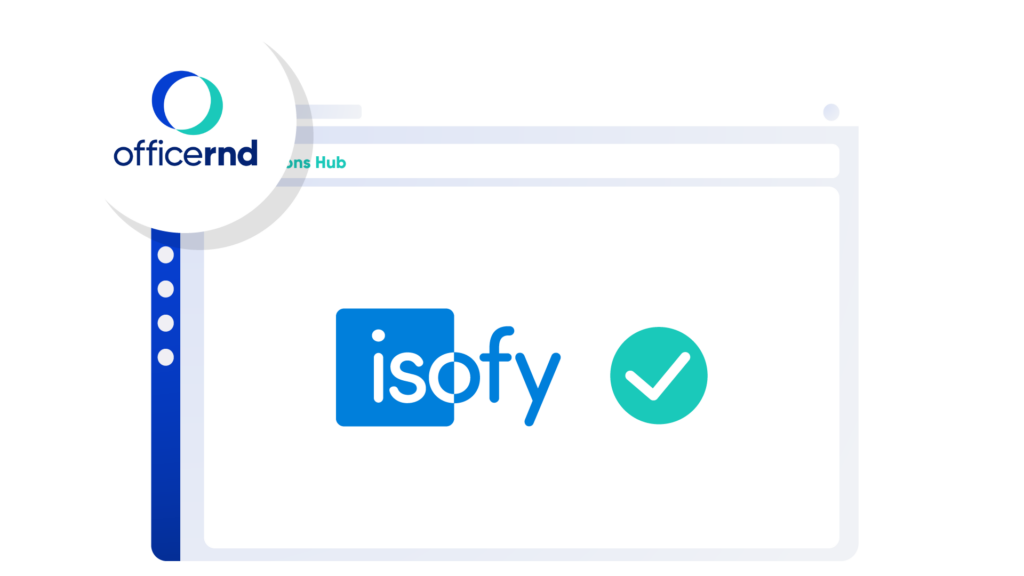
Find isofy in the OfficeRnD Integrations Hub and click Activate. Click Connect and select your isofy site from the dropdown to complete the connection. No IT support or prior technical knowledge required.

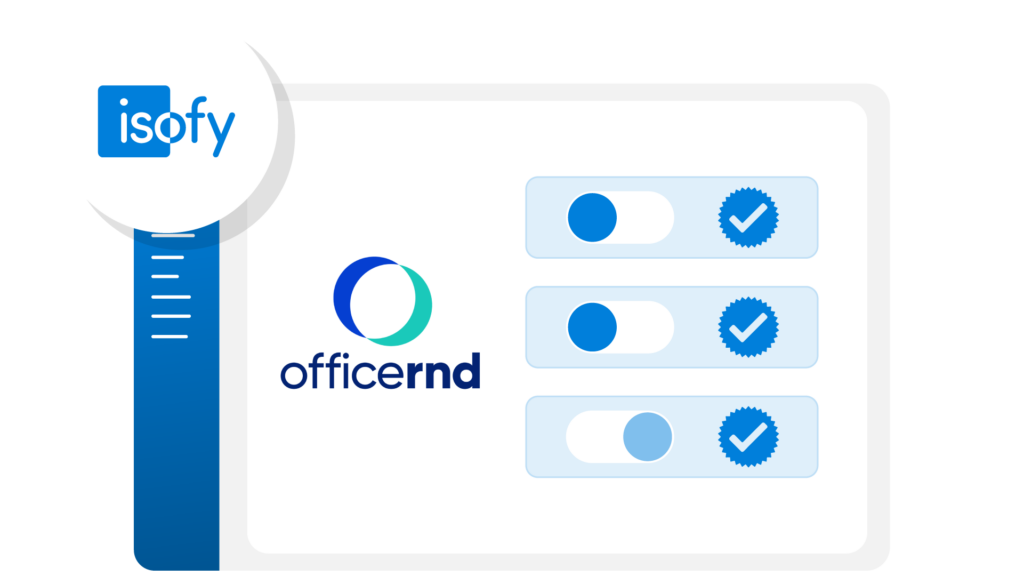
Click Integrations in the isofy dashboard and select OfficeRnD. Select your OfficeRnD location, enable member login on the captive portal for a single sign-on experience, and toggle on private networks if you want company-level network isolation by default. That is all the setup required.

Members authenticate in the isofy captive portal with their existing OfficeRnD credentials. Members, guests, and staff are dynamically placed on the correct network across wired and wireless connections. From here, your space management and network management work as one.
For the full setup details, view the setup guide in our knowledge base or see OfficeRnD’s integration instructions.

"We have multiple locations and the network used to be a different problem at each one. Now it is consistent everywhere. Our team handles the operations and isofy handles the network."
Client Services Manager – 3 locations on isofy and OfficeRnD
As your portfolio grows, the integration grows with it. Each OfficeRnD location connects to isofy independently, and member access, network isolation, and real-time sync work the same way whether you run one site or one hundred.
Members connect at any location in your portfolio using the same OfficeRnD credentials, with no new passwords or friction from site to site. A consistent network experience across every site means members connect seamlessly, guests get reliable access without involving your team, and staff spend less time fielding connectivity complaints and more time running the space.
Members with active day passes or meeting room bookings in OfficeRnD connect through the isofy captive portal using their OfficeRnD credentials. They get the same consistent network experience as full members, with temporary access that expires automatically. isofy can also automatically manage booking consumption in OfficeRnD based on network activity, eliminating manual tracking and improving billing accuracy.
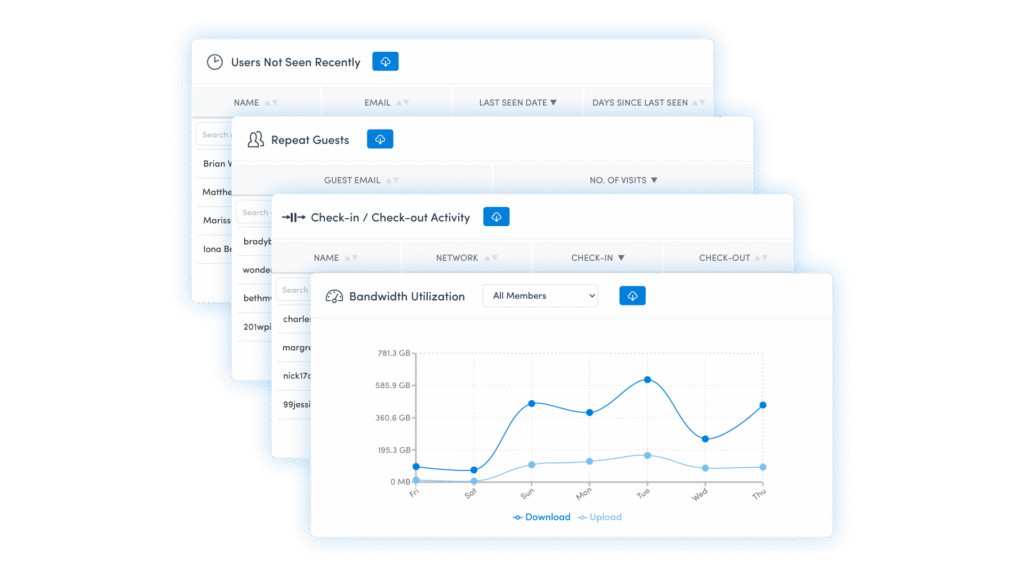
isofy does more than keep your network in sync with OfficeRnD. The isofy dashboard turns network activity into operational intelligence. Monitor bandwidth utilization by network and user, identify members who have not been seen recently, and spot repeat guests who may be ready to convert to a membership.
There is a lot more visibility and actionable insight waiting in the dashboard.

OfficeRnD is a leading workspace management platform built for coworking and flex operators. It handles billing, bookings, member management, and coworking inventory in one place.
No. The OfficeRnD integration is included as a standard integration in all isofy plans at no additional charge. See our pricing page for full plan details.
No. Members use their existing OfficeRnD email and password at the captive portal. isofy validates credentials directly against OfficeRnD. There is nothing new for members to create or remember.
Their network access is deactivated automatically. isofy receives the update from OfficeRnD in real time. There is no manual step required on the network side.
Yes. Each OfficeRnD location connects to isofy independently. Member access, company network isolation, and real-time sync work consistently across every site in your portfolio.
Members with active day passes or meeting room bookings in OfficeRnD can authenticate through the isofy captive portal using their OfficeRnD credentials. They receive temporary network access and are deactivated automatically.
Yes. isofy also integrates natively with other workspace management solutions. If your portfolio runs on more than one platform, or if you are evaluating platforms alongside isofy, we can walk through how each integration works in a demo.
Book a demo and we will walk through how isofy improves network operations across your OfficeRnD locations.